Imagine a customer receiving an email with your business name on it. The message asks them to pay an invoice into a new bank account. Yet nobody in your company sent it. A name displayed in an inbox is not enough to establish who sent a message.
, and help address that problem by allowing email services to run checks behind the scenes. To understand what to ask your provider, follow an invoice from a repair workshop’s billing software to its customer.
SPF: is the sending service authorised?
SPF works like a list of services allowed to send mail. A provider publishes the list in , the settings associated with a domain. The recipient’s service can check whether the sending server is authorised for the sender’s technical domain.
That detail matters. Email contains delivery information the reader normally does not see. SPF checks that technical side, rather than directly validating the From address displayed on screen.
For our workshop, billing software therefore needs attention alongside the ordinary mail service. This is about sending systems, rather than simply naming the owner as an authorised person.
DKIM: does the message carry a verifiable signature?
DKIM adds a digital signature associated with a domain. It is not the logo or contact details at the bottom of an email. The recipient’s service can verify the signature and detect changes to the signed parts since signing.
The workshop’s billing software needs to sign appropriately. A valid signature does not establish that an invoice is honest: it provides information about the signing domain and the integrity of the signed elements.
DMARC: do the checks match the domain the reader sees?
DMARC connects the checks to the visible From domain. At least one successful check, SPF or DKIM, must use a sufficiently related domain. The domain owner can publish preferences for handling failures, such as requesting quarantine or rejection. Receiving services retain their own handling decisions.
Reports help monitor domain use and identify problems. Before stricter instructions are introduced, the workshop’s provider can check that legitimate invoices pass.
Start with the services that really send for you
Your business may send through ordinary email, quotation software, a newsletter platform and a contact form. If one is overlooked, stricter settings can disrupt the messages you want customers to receive.
You do not need to write DNS records yourself. Ask instead: “Which services send for us? Are SPF, DKIM and DMARC set up appropriately for them? Who reviews reports and errors?” The answer should describe your actual services and a monitored rollout, rather than a copied configuration.
These checks do not make every email safe. A fraudster can use a lookalike domain or a compromised legitimate account. They address a particular kind of impersonation; they do not replace checking a bank-account change through a separate, known channel.
Terms in this article
Dotted-underlined terms have a definition on hover, keyboard focus or tap. All definitions are also listed here.
- DKIM — DomainKeys Identified Mail
- A digital signature added to email and checked using a key published in DNS. It links the message to a signing domain and verifies the signed elements.
- DMARC — Domain-based Message Authentication, Reporting and Conformance
- A mechanism checking alignment between the visible sender domain and SPF or DKIM authentication. It also supports publishing a handling policy and receiving reports.
- DNS — Domain Name System
- The distributed directory that connects a domain name to the information needed to find services such as its website or email.
- SPF — Sender Policy Framework
- A mechanism through which a domain identifies servers allowed to send email for it. It does not by itself establish the human sender’s identity.
Put it into practice
Explore the related Wize guideSources & Credits
Photo credit
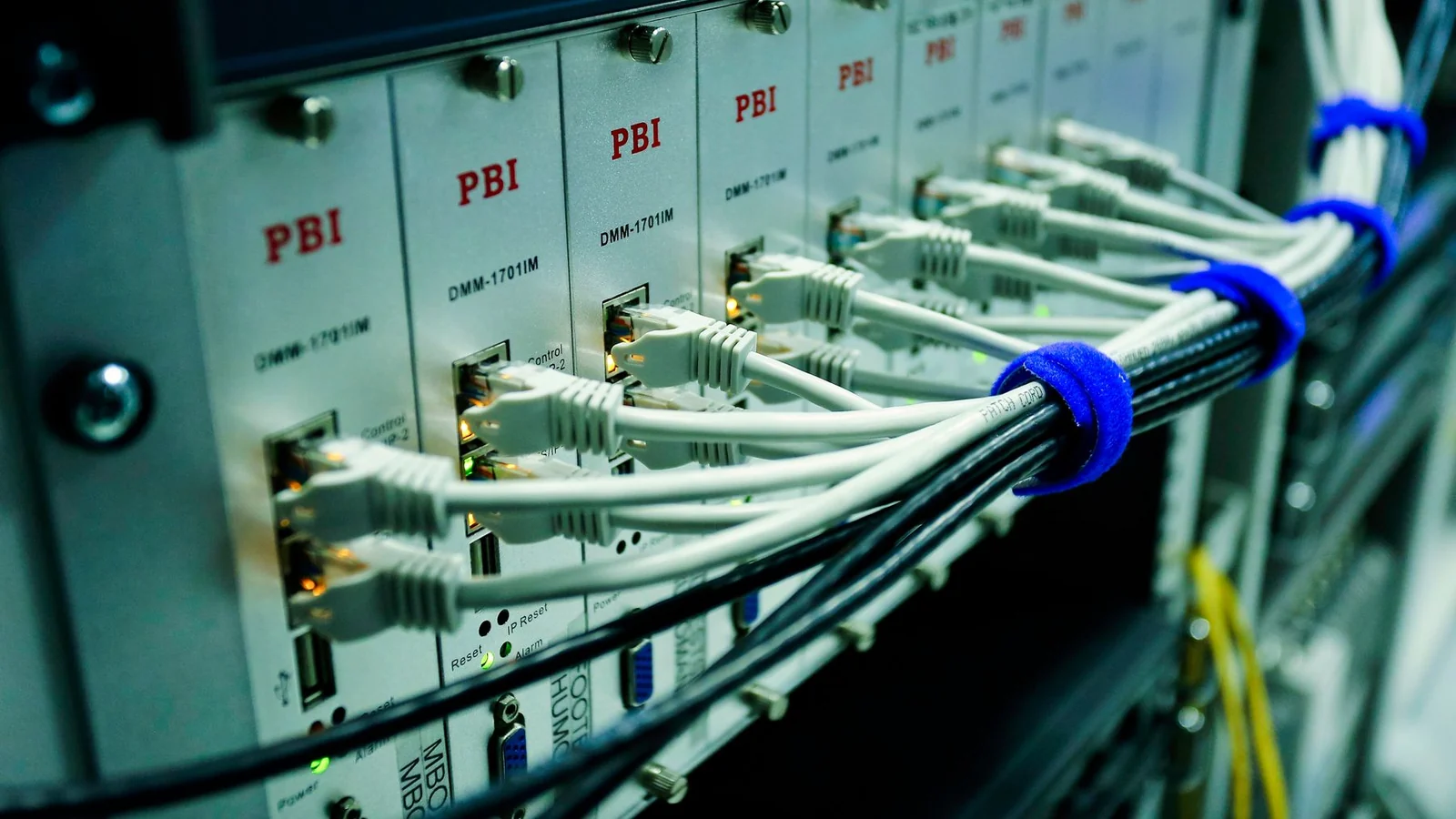
Ethernet cables connected to network equipment. — Sergei Starostin. Pexels. Cropped and resized for this page.
A correction to suggest? Write to Wize