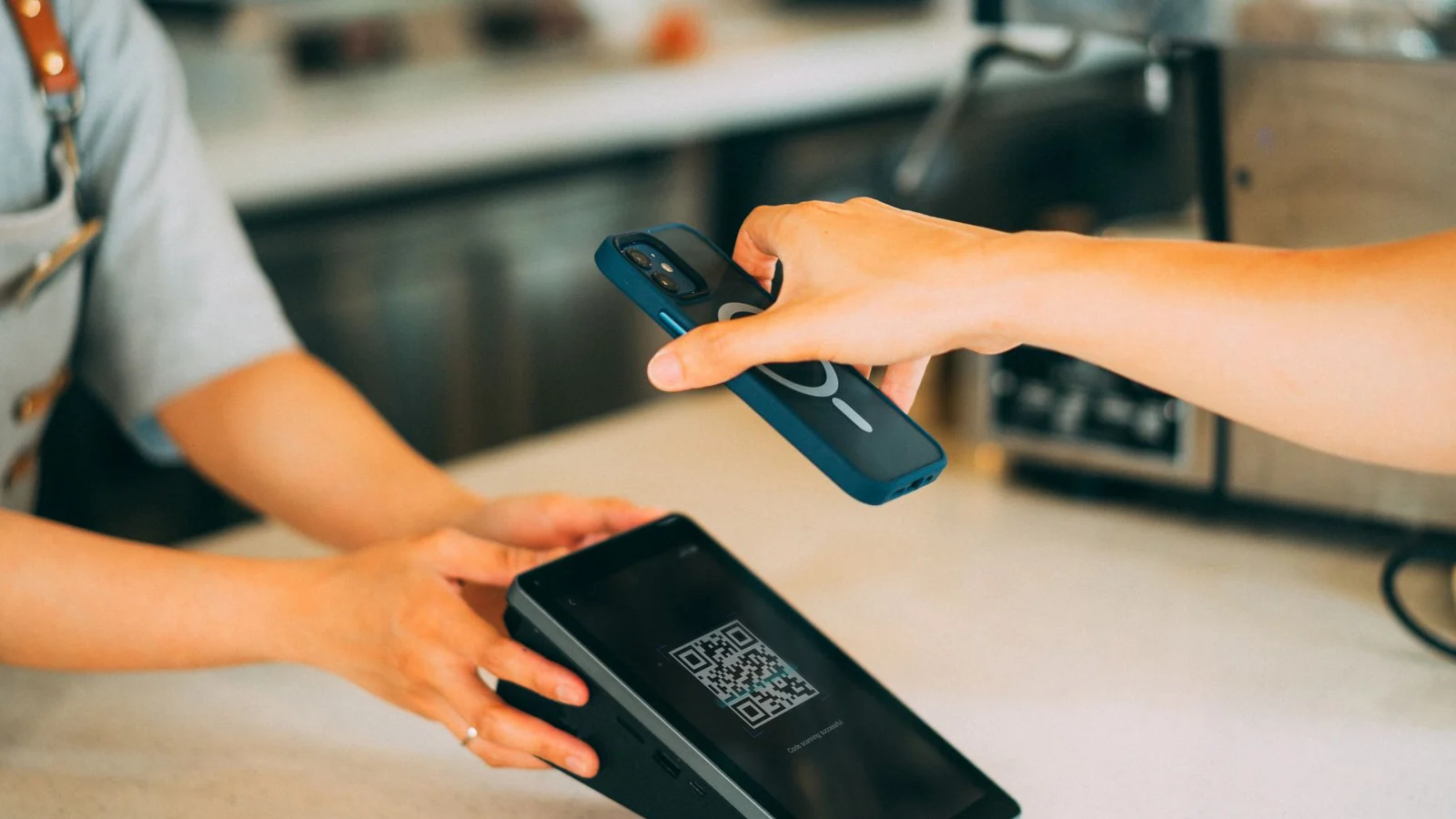
A code can contain a link that a phone offers to open. Its appearance does not reveal the domain name. The NCSC explains how codes in emails can conceal phishing links.
Before entering credentials or paying, check the proposed destination and the reason for the request. A code stuck onto a poster may have been replaced. A page opening successfully does not establish that it is legitimate.
Who controls the destination?
The destination matters just as much for codes your own business publishes. Imagine a restaurant printing codes on every menu. If a code points to a page on its own domain, the business can manage that page and its redirects. If it goes through an outside service, it also depends on that service and its terms.
Before printing, establish exactly where the code leads, who controls that destination, whether a subscription is required and what happens if it ends. The labels “static” and “dynamic” do not answer those questions.
Once the destination is chosen, test the actual journey. Scan a printed proof with several phones. Check readability, the displayed domain, the final page and the action expected. A readable code can still lead to a slow page or a form that does not work on mobile.
Provide a readable destination or another way to reach the content. Customers who do not want to scan should still understand the offer.
Take one code your business already uses. Find its actual destination and who can change it. Then try the journey as a customer would.
Terms in this article
Dotted-underlined terms have a definition on hover, keyboard focus or tap. All definitions are also listed here.
- NCSC — National Cyber Security Centre
- Here, the UK national cybersecurity centre, which publishes guidance on reducing digital risks.
- QR — Quick Response
- A visual code readable by a phone. It can contain a link, but its appearance does not establish that the destination is safe.
Put it into practice
Explore the related Wize guideSources & Credits
Photo credit
A smartphone being used to scan a QR code in a shop. — iMin Technology. Pexels. Cropped and resized for this page.
A correction to suggest? Write to Wize